
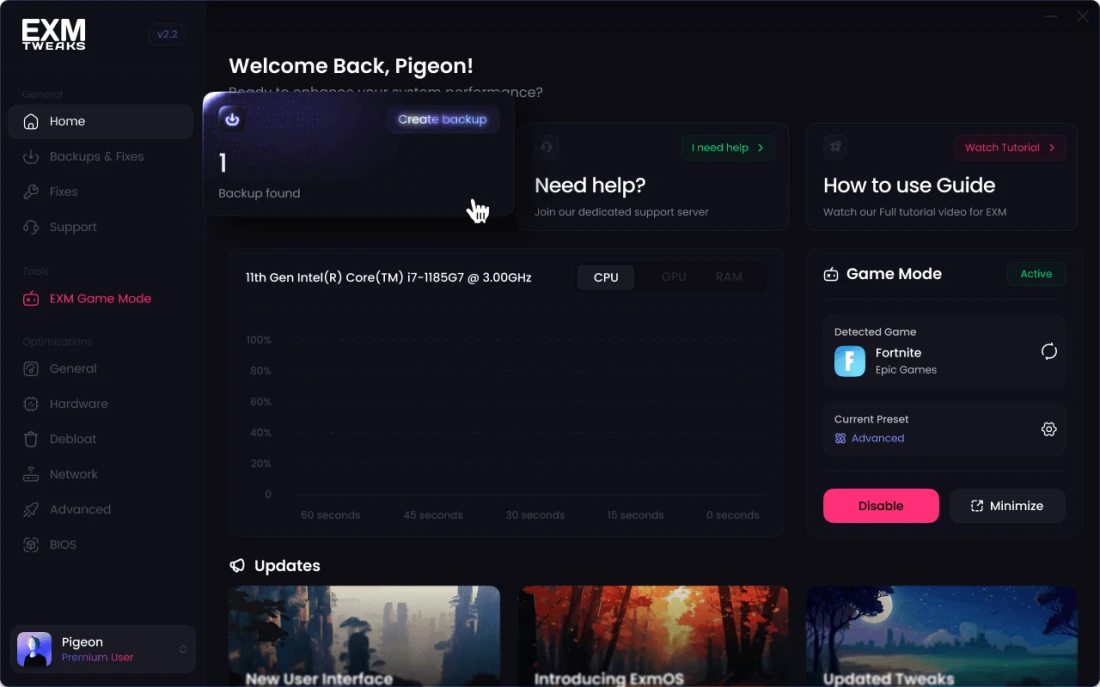

Optimize Windows for FREE
Boost FPS, Decrease Input Delay and Get rid of stutters on windows 10/11
1,036,696 Downloads
After Download
Follow these quick steps to properly install and get started with EXM.
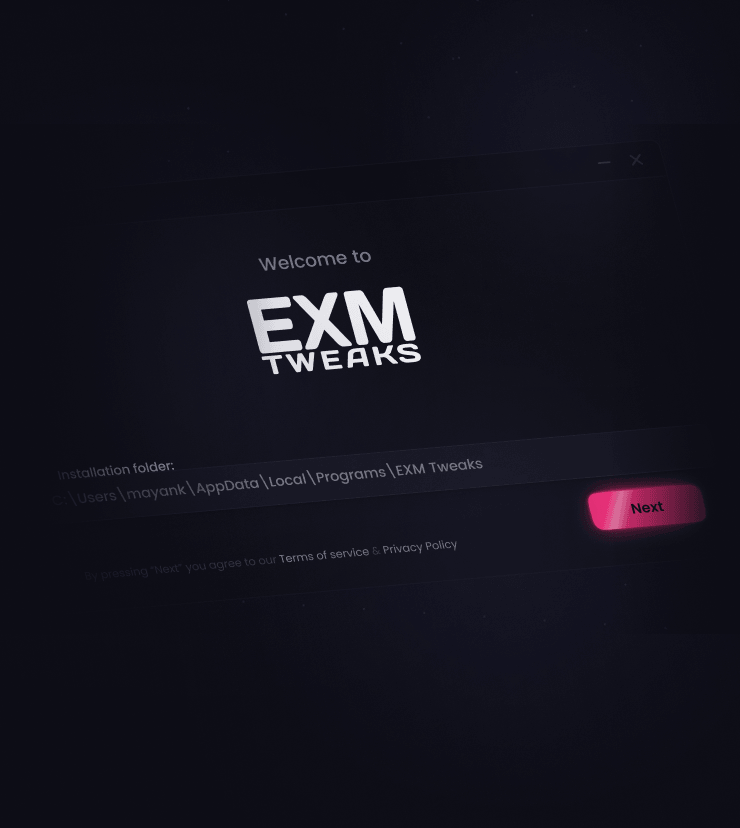
Run the EXM installer
Open the file by double clicking on it in your downloads folder.

Login with your EXM account
After the app is installed, log into your EXM account through the app.
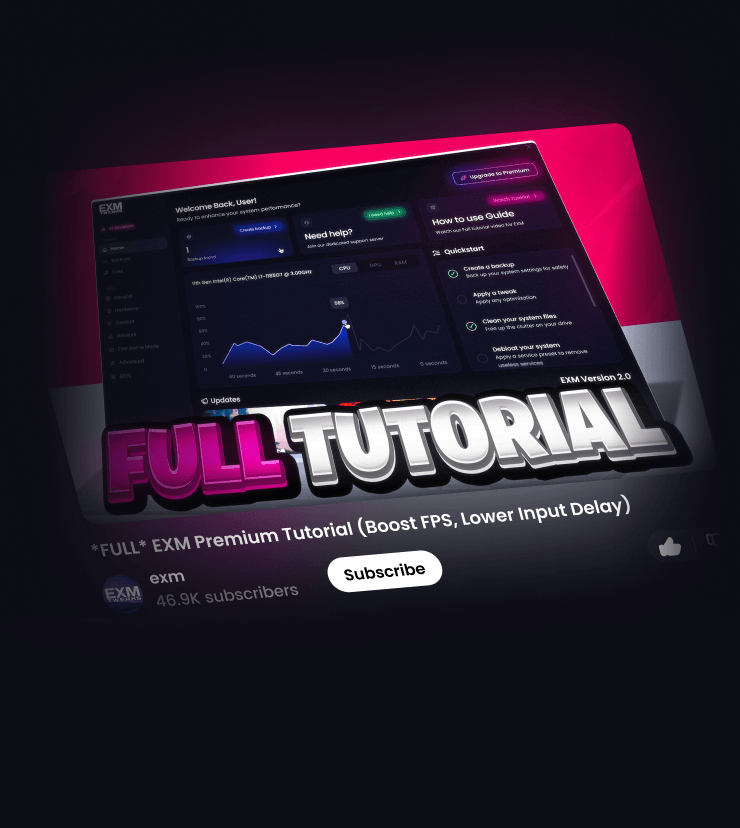
Watch the How to use guide
This video will walk you through the basics of using the app.
How to use guide
Ultimate tutorial on how to use EXM to maximize your performance
Frequently Asked Questions (Download)
Yes. EXM has 0 VIRUSTOTAL, behaviour & security vendor detections and is signed with an EV Certificate.
Will antivirus flag it?
- Windows Defender and Malwarebytes normally won’t. Some third-party antiviruses may show false positives due to EXM modifying system settings.
Why does this happen?
- Even if a file is 100% safe, it can still trigger false positives in antivirus software. This is especially common with PC optimization software as EXM changes a bunch of system level settings
What do I do if it gets flagged?
- Allow the file or whitelist EXM. Contact support if needed.
Windows Versions?
Our tweaks are compatible with all systems running Windows 10 or 11.
Recommended Windows builds?
We recommend using these builds: 22h2, 23h2, 24h2. Windows 11 25h2 is compatible but has a higher chance of having issues
Custom OS?
Custom OS and have a slightly higher chance of having issues, that's why we would recommend using the builds above
Laptops, Low end PC's?
The utility is designed to improve performance on low-end, mid-range, and high-end desktops and laptops. So yes, the utility does work with laptops
Regardless of your hardware, you’ll see noticeable improvements in system responsiveness, latency, and overall performance.
Check out our Helpdesk
Unlock your PC’S Full Potential
Completely Optimize your System for maximum FPS and ultra low latency
- 150+ Optimizations
- Smart System detection
- Windows Debloat
- System Cleaner
- Essential Windows Optimizations
- 1,000+ Optimizations
- BIOS Tuner
- Network Adapter Tuner
- Advanced Hardware Optimization
- All Optimizations Unlocked
- High Priority Customer Support
- 20+ Advanced Features
- All Plus Features
- 500+ Optimizations
- All Game Mode Features
- Network Optimizations
- Security Optimization
- Advanced Optimizations
- 10+ Advanced Features
- All Free Features
| Features | EXM Free Free | EXM Plus Plus | EXM Premium Premium |
|---|---|---|---|
| Total Optimizations | 150 | 500+ | 1000+ |
| Support/Help | Priority | ||
| Bios Tuner | |||
| Network Adapter Tuner | |||
| Bufferbloat Presets | |||
| Timer Resolution | |||
| EXM Game Mode | |||
| System Maintenance | Basic | ||
| Optimizations | |||
| Network Optimization | Basic | Advanced | |
| Security Optimizations | |||
| Device Optimization | |||
| Optimize Applications | |||
| Windows Optimization | Basic | General | |
| General System Optimization | Basic | General | Advanced |
| Power Optimization | Basic | General | Advanced |
| Privacy Optimization | Basic | General | Advanced |
| GPU Optimization | Basic | General | Advanced |
| CPU Optimization | Basic | General | Advanced |
| Memory Optimization | Basic | General | Advanced |
| Peripheral & USB Optimization | Basic | General | Advanced |
| Storage Optimization | Basic | General | Advanced |
| Service Reduction | Basic | General | Advanced |
| System Debloat | Basic | General | Advanced |
| Summary |
Get started with essential optimizations, free forever Download Now |
General PC Optimization for better performance |
Complete PC Optimization for competitive gaming |